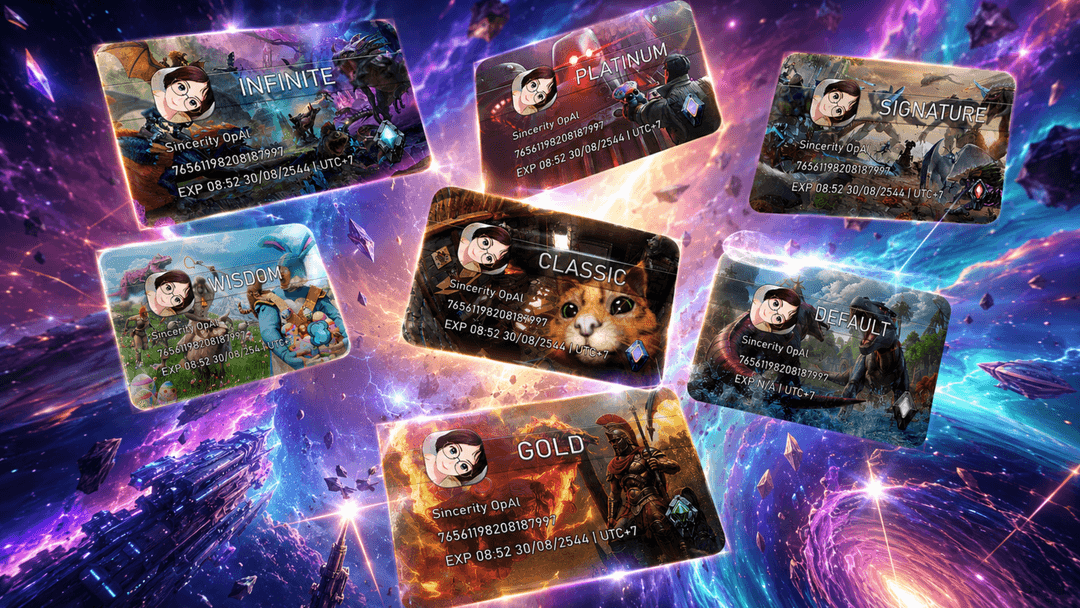
Linking ties your website account to your ARK character. It is what lets the shop deliver straight into your character's inventory, lets you buy on the Global Market, pays the welcome bonus, carries your membership rank to that character, and brings the S Coins you earn while online in game into your website wallet. ASA and ASE are linked separately — one character per game.
What linking does
What you need
- A website account, signed in.
- Your character online on one of our maps of that game. The Link page only lists characters that are in game right now.
- The in-game chat open so you can read the code.
It works from every launcher: Steam, Epic and Tek alike.
Step by step
- Open the Link page. Under the game you are playing, press Link in-game (any launcher).
- A list of the characters online right now appears, grouped by server. Find yourself (there is a search box) and press Link next to your name. If you are not listed yet, wait until your character has fully loaded in, then press Refresh.
- A private 6-digit code is sent to your in-game chat. Nobody else can see it.
- Type the code on the website within 30 seconds and press Confirm. The page shows the countdown. If the code expires, pick your character again for a fresh one.
When it works, the page says Account linked and shows the linked id under that game.
The welcome bonus
While the welcome bonus is on, the Link page shows the amount at the top. It is paid once per game character — once for ASE and once for ASA — and it is credited to your wallet by itself the moment the link completes, with a notification. If your wallet is under review at that moment, the bonus waits in your notifications until the review is done. A character that already received the bonus on another website account cannot receive it again; the Link page says so.
Problems
"No one is online in this game right now"
Log into the map first, wait until you are fully spawned, then press Refresh on the Link page.
"Already linked — can't be picked"
That character is bound to another website account. If it is yours, use Contact admin in your profile menu and tell us the character name and the map.
"Too many link attempts"
You can request three codes per hour. After the third, picking a character is locked for the rest of that hour and the page shows a countdown. A successful link clears the lock.
"The game did not accept the message for that character"
The game refused to deliver the code to your character, so no code exists and trying again the same way will not help. Tell an admin in chat and they will link the character for you.
"That character name is shared by another player"
Two online characters carry the same name and the site cannot tell them apart. Rename your character in game, or ask an admin.
Unlinking
You cannot unlink yourself, because the link backs your wallet. Press Request unlink next to the linked game on the Link page and confirm; an admin reviews the request. Your coins stay where they are.