
- Something was lost to a game bug, a crash or a failed transfer, and you want to know what can come back.
- An admin asks for your Account ID, your Steam id or the time of the loss.
What you see
Why it happens
This guide explains how restores work here, so you know what to ask for and what to send.
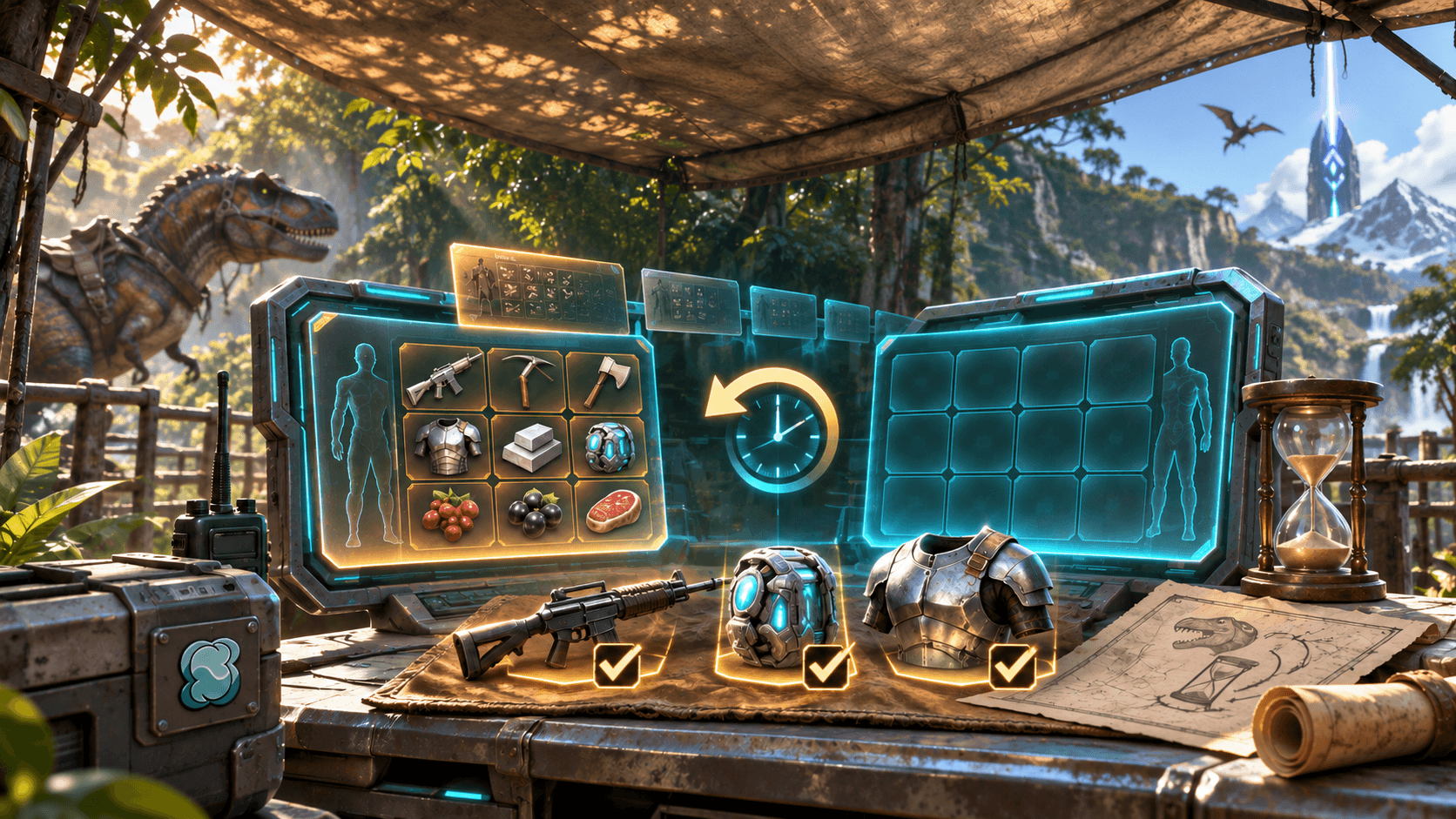
What the admins check. The normal backup schedule keeps hourly ASE world archives, hourly ASA world copies and character-profile copies. The admin first checks which readable copies actually exist for the affected map and time; a schedule alone is not proof that a backup succeeded. Supported items and creatures can then be recovered from an available save, subject to the limits below: items arrive in the bag and creatures in Cryopods. The normal duplicate check refuses objects still present in the live world; any exceptional resend needs a written reason and audit record.
What it cannot do today.
- A creature restored from a Cryopod comes back without its saddle or anything it carried, in a plain Cryopod — also when it had been in a Dino Depot ball.
- A creature restored from the world comes back without its saddle, its inventory and its cuddle timers, and on ASA without its gene traits.
- Worn items have come back at about 1/1000 of their durability. A fix for ASA is built and still being tested.
A character is two parts: the body in the map's save (inventory, position) and a character sheet (level, engrams, stats). A lost sheet can be put back from the admins' profile copies while you stay offline. When the page cannot do something, an admin can recover things by hand from an older save on a separate recovery server.
Why "the same day". The recent restore copies normally reach back about two days — on ASA about 50 hours, on ASE about two days of archives. Missing or failed copies can leave gaps, so the admin must verify the available save before promising a recovery. Report promptly rather than waiting for the retention window to pass.
Replacing or compensating a loss beyond what the backups show is the owner's decision. This guide is not a promise that something can be restored.
What you can do
- Check first: is it really gone? Do not ask for something you still have — the duplicate check refuses it.
- Report the same day with the details below, and name exactly which items or creatures were lost.
- Lost your whole character after a transfer? Do not create a new survivor and stay offline — follow Missing character in the troubleshooting guide.
- To receive a restore, be online on the map the admin names, with free room in your inventory: the delivery stops rather than overfill your bag. Items land in the bag, creatures in Cryopods.
- Check what you received — durability and stats — and report anything wrong.
- Have your id ready. ASA: your Account ID (below). ASE: the admins find you by the Steam id of your linked character; the Link page shows the linked id under each game.
When to ask an admin
What an admin does: picks the newest backup taken before the loss, reads your survivor in it, sends only what is gone from the live world — sending something still present needs a written reason and is recorded — and reads the game's reply for every object. A lost character sheet is restored from the profile copies while you are offline. A shop delivery is never sent again without proof that the game did not give it: for a shop item use Report a problem on the order line, as the delivery guide explains.
Tell an admin the map, the time (the clock in your profile menu shows the server's time), your character's name, what you carried or had uploaded, and the exact message on the screen. For a transfer: both maps and both times. Report the same day — the backups reach back only about two days. Contact admin is in your profile menu; the Guides page has a question box.
Your ASA Account ID: start a single-player game, open the console (the "toggle console" key in the settings, the tilde key by default), run whoami and copy the "OSS Id". This is a plain console command, not a cheat. Support teams use this id to find a profile — the official bug tracker asked a player for it on a black-screen report.
Avoid it next time
- Report a loss at once: the restore window is about two days.
- Keep your id in a note, ready to paste into a message.
Sources
- Official support: What is an Account ID?
- ASAIR-435 — official ASA bug tracker, the reply asking for the AccountID
- Our records (internal): SYSTEM §12 (restore from backup), §16 (a delivery the game accepted is never sent again); OPERATIONS §9 (recovery server), §13 (restore limits), §18 (the profile copies), §25 and §35 (how far back the backups reach), §27 (durability); the restore notes in WORK_QUEUE (the inventory-room guard)
- Our guides: Troubleshooting: connection timeout, server full, missing character, Delivery: when your item does not arrive, How to link your character in-game